Planet Zoo 2 system requirements — will your PC run it?
The official minimum and recommended specs, what they actually mean for older GPUs, and a straight answer to the GTX 1650 question that is driving most of the searches around this game.
Official specs
Minimum
- OS
- Windows 10 or 11 (64-bit)
- CPU
- Intel i7-8700K / AMD Ryzen 5 3600
- RAM
- 16 GB
- GPU
- NVIDIA RTX 2060 (6 GB) / AMD RX 5600XT (6 GB) / Intel Arc A750 (8 GB)
- DirectX
- 12
- Storage
- 40 GB — SSD recommended
Recommended
- OS
- Windows 11 (64-bit)
- CPU
- Intel i7-10700K / AMD Ryzen 7 5800X
- RAM
- 16 GB
- GPU
- NVIDIA RTX 3070 (8 GB) / AMD RX 6700XT (12 GB) / Intel Arc A770 (16 GB)
- DirectX
- 12
- Storage
- 40 GB — SSD required
Source: Steam store page for Planet Zoo 2, checked 2026-10-09. Frontier ships Denuvo anti-tamper with the game, which has no measurable performance cost in this engine.
What it looks like when it runs
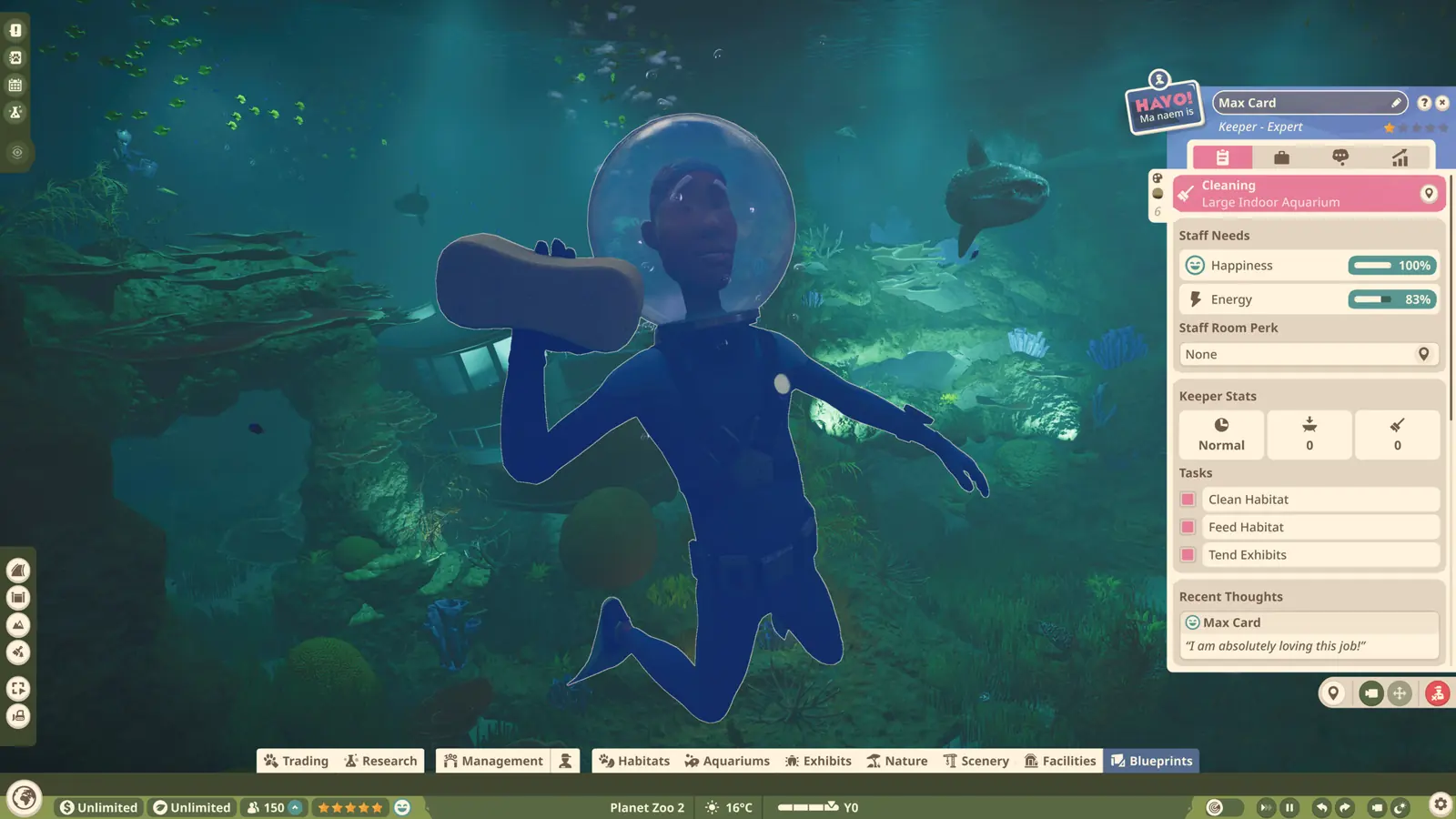
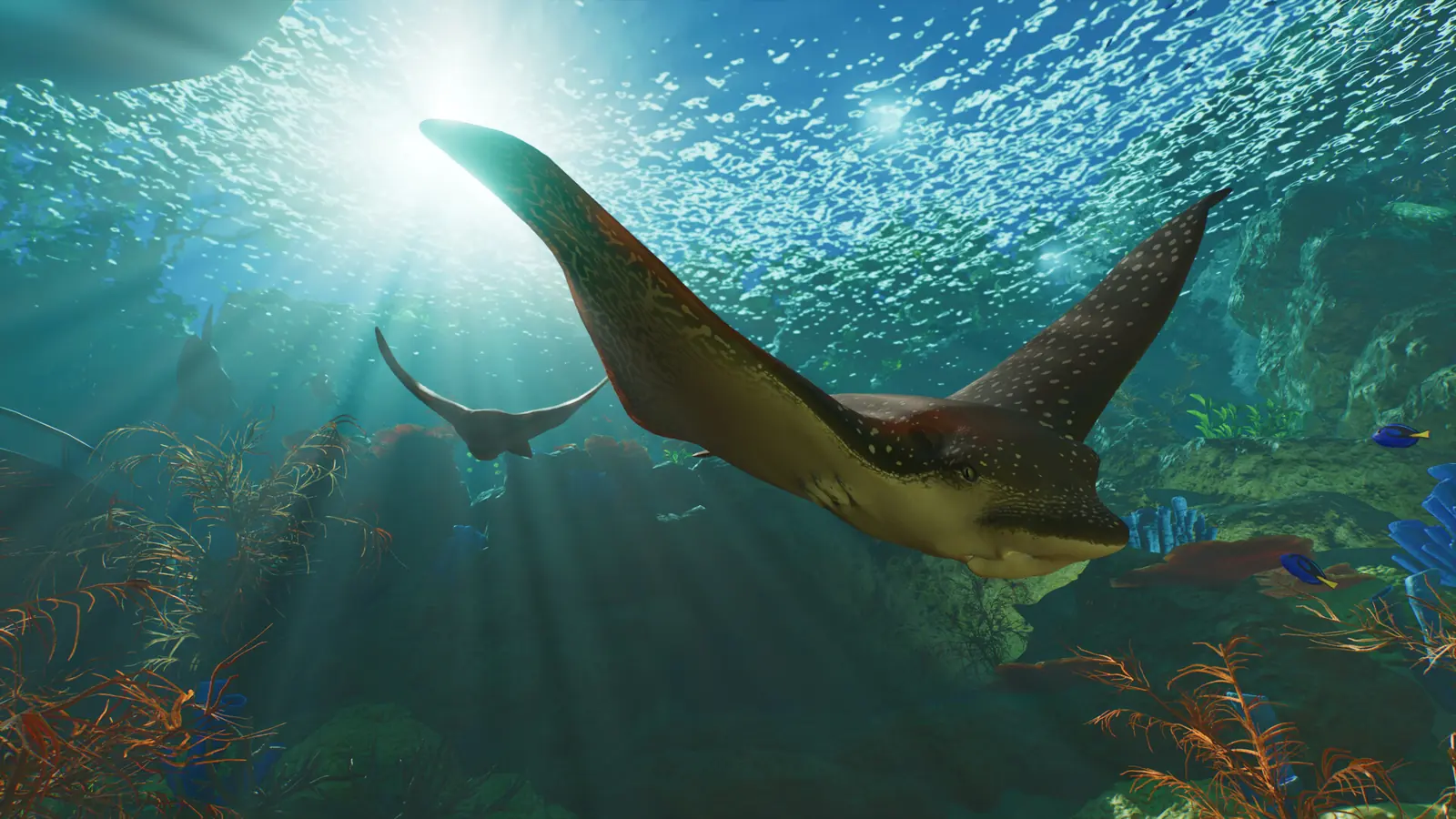
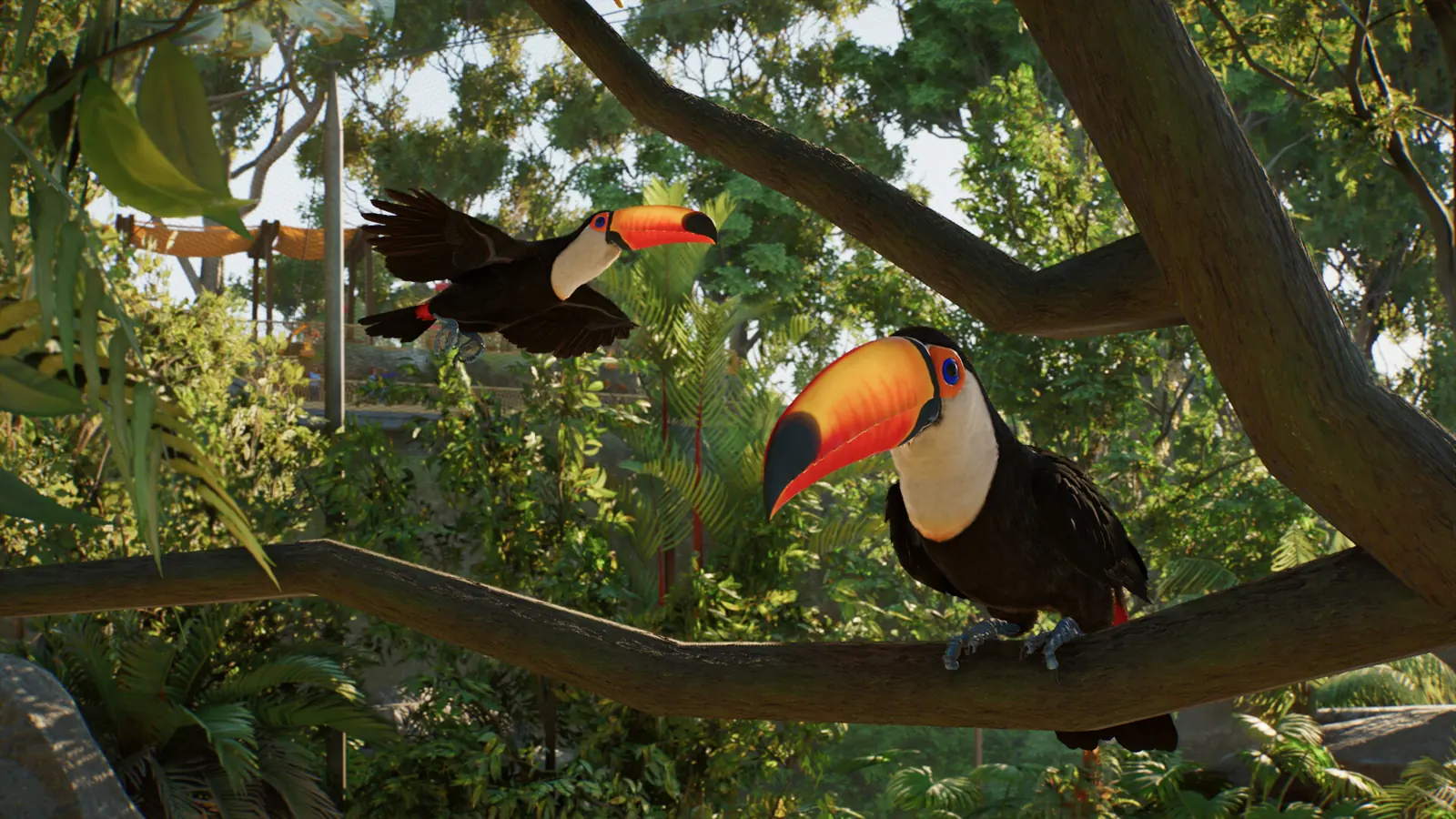
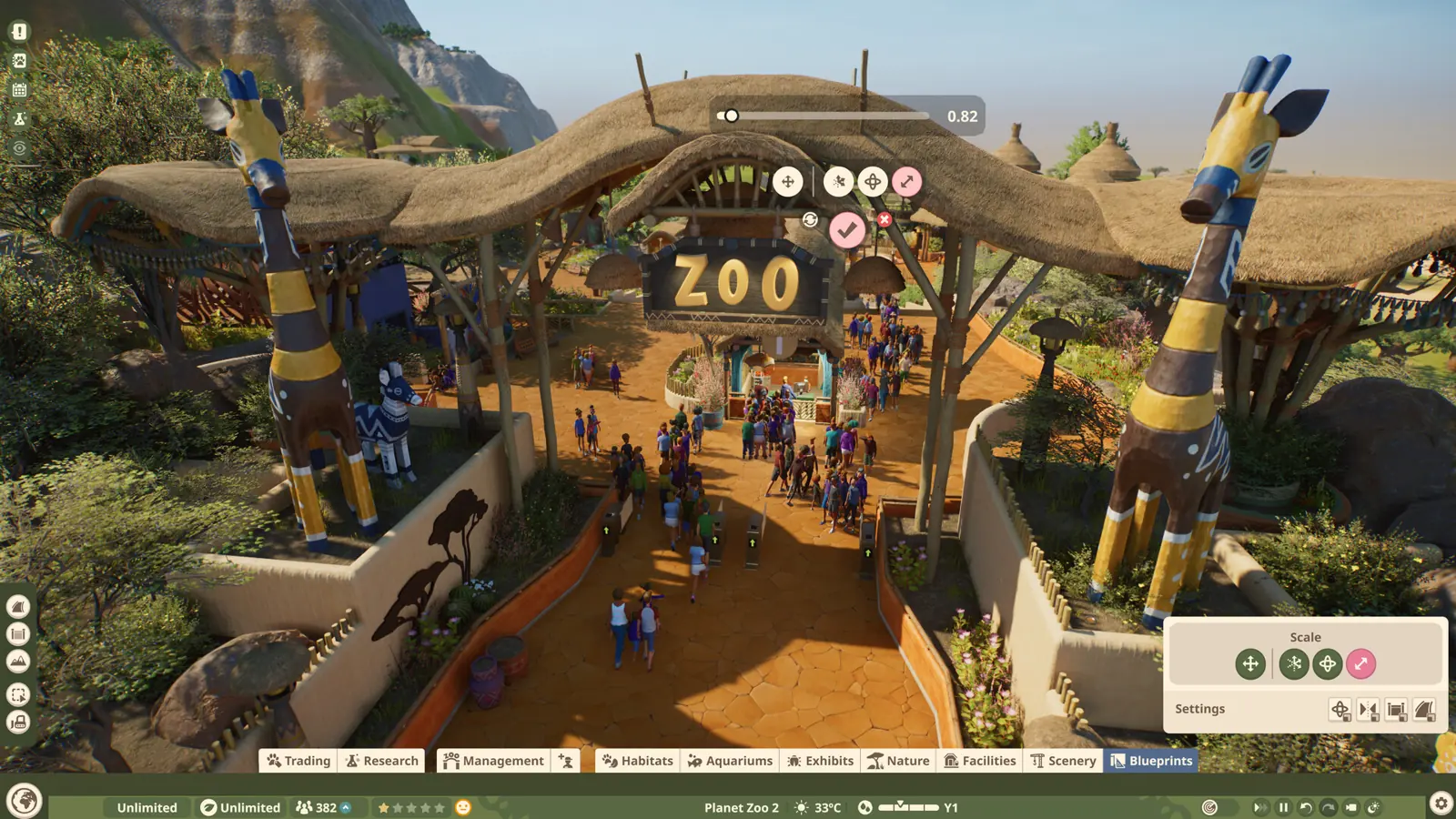
These are official screenshots, not benchmark captures, but they show what the minimum and recommended tiers are actually being asked to render: water simulation, shoals of fish and free-flying birds.
What the specs mean in practice
The minimum target here is not a low bar. An RTX 2060 as the floor places Planet Zoo 2 well above most simulation games, and the reason is the new aquatic and aviary systems: shoals of fish, water simulation and free-flying birds are all far more expensive per animal than a walk-in habitat.
| Your GPU | Verdict | |
|---|---|---|
| RTX 4090 / 4080 / 4070 | Way above recommended | Fits |
| RTX 3060 Ti / 3070 / 4060 | Meets or beats recommended | Fits |
| RTX 2060 / 3050 / RX 5600XT / Arc A750 | Meets the official minimum | Minimum |
| GTX 1660 Super / 1650 / RX 580 | Below minimum — expect low settings | Below min |
| Integrated graphics (Iris Xe, Vega 8) | Not supported | Below min |
The GTX 1650 question
Short answer: no. The GTX 1650 has 4 GB of VRAM against a 6 GB minimum, and roughly half the compute of an RTX 2060.
If you already own the game, you can still try: drop to the lowest preset, set resolution scale to 70-80% and cap the frame rate at 30. Keep animal counts low and avoid aquariums entirely. It is a playable compromise, not a supported setup.
Cheapest ways to get to the minimum
Desktop: RTX 3060 12 GB
The cheapest new card that clears the recommended VRAM tier with room to spare. Anything from an RX 6600 upward also works.
Laptop: RTX 3060 laptop GPU
Roughly matches a desktop RTX 2060 — the practical floor for a laptop. Confirm the machine has 16 GB of RAM, not 8.
Don't want to upgrade: cloud play
GeForce NOW and similar services run the game on their hardware. This is also the only realistic route for Mac users.
Free the disk first
40 GB is the install size, and the SSD requirement is real — this game streams foliage and animal assets constantly.
FAQ
Can I run Planet Zoo 2 with a GTX 1650?
Not at the official settings. Frontier's minimum GPU is an RTX 2060 / RX 5600XT / Arc A750, and the GTX 1650 sits well below that both in raw performance and in VRAM (4 GB vs the required 6 GB). It may still boot at the lowest preset with a reduced resolution scale, but you are outside the supported configuration and should expect heavy frame drops in a full zoo.
How much RAM does Planet Zoo 2 need?
16 GB is both the minimum and the recommended figure on Steam, which is unusual and tells you the game is memory-hungry at every setting. 32 GB is not required, but it will help if you multitask while playing.
Is Planet Zoo 2 heavy on VRAM?
Yes. The minimum card carries 6 GB and the recommended tier jumps to 8-16 GB. Large zoos with dozens of animals, foliage and aquariums are exactly the workload that spills over on 4 GB cards.
Can my laptop run Planet Zoo 2?
Only if it has a discrete RTX 2060-class GPU or better and 16 GB of RAM. An RTX 3060 Laptop GPU is roughly equivalent to a desktop RTX 2060, so that is the practical laptop floor. Integrated graphics are not supported.
Does Planet Zoo 2 run on Mac or Linux?
No. Steam lists Windows only — Mac and Linux are both marked unsupported. Mac users can play through a cloud service instead.
Why does the game still mention Windows 10?
Frontier notes that Microsoft has ended support for Windows 10, so the game runs on it but ongoing compatibility cannot be guaranteed. If you are on Windows 10, plan to move to Windows 11.